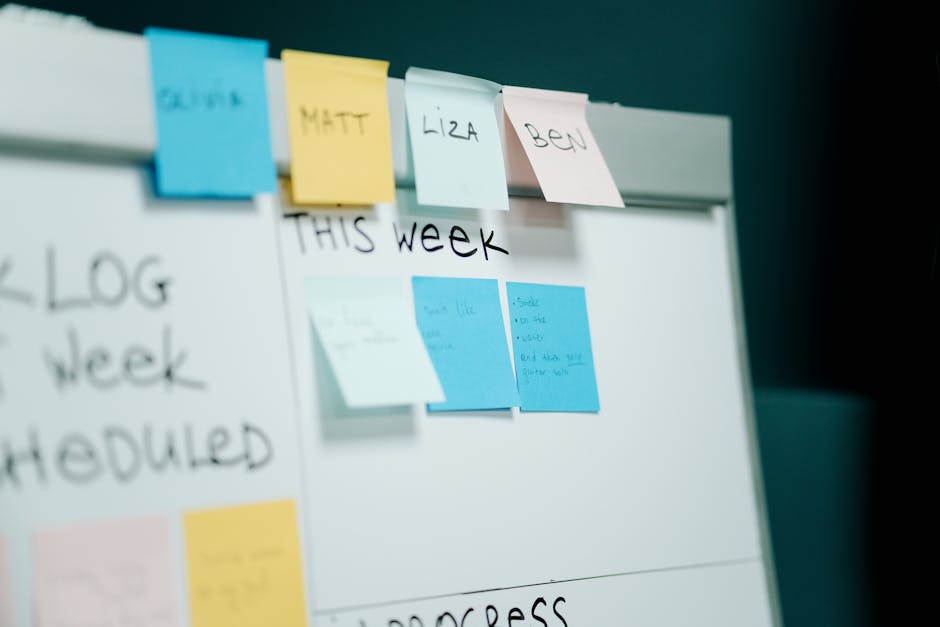
Photo by cottonbro studio on Pexels
The Graveyard of Abandoned To-Do Apps
Open your phone's app store history and I'd bet you've got at least three dead productivity apps buried in there. Maybe Todoist, maybe Things, maybe one of those slick new AI-powered planners that promised to "organize your life" in the onboarding screen and then quietly got ignored by week two.
I've done this cycle more times than I want to admit. New app, big burst of motivation, a color-coded project structure that looks great for exactly nine days, and then silence. The tasks pile up unchecked, the app icon becomes a small monument to guilt, and I go back to texting myself reminders like it's 2011.
Here's what I've come to believe after actually paying attention to when and why these systems collapse: the app was almost never the problem. The failure point is always the same, and it has nothing to do with features.
The Real Failure Point Isn't the App, It's the Gap Between Capture and Review
Every productivity app markets itself on capture — how fast you can add a task, how many ways you can add it (voice, widget, email forward, browser extension). And honestly, most of them are fine at that part now. Adding a task takes two seconds in nearly anything you'd download today.
The part nobody markets is what happens to that task after you add it. That's where systems quietly die. Tasks get captured, dumped into an inbox, and never looked at again. The list grows. Old items sit there getting staler and more irrelevant, and eventually opening the app feels less like "check what's next" and more like "confront a pile of things I've been avoiding." So you stop opening it.
This is the same pattern I noticed when I wrote about turning off notifications for a week — the tool wasn't broken, the relationship to it was. A to-do app without a review habit is basically a junk drawer with a nicer interface.
The One Habit That Actually Fixed It
The thing that made a system stick for me wasn't switching apps again. It was adding a fifteen-minute weekly reset, same day, same rough time, where I do three things:
- Clear out anything that's been sitting untouched for more than two weeks — either do it right then, or delete it. If it mattered, it'll resurface.
- Move anything vague ("figure out taxes") into a smaller, more specific next action ("download last year's return as a template").
- Look at the coming week and pick three things that actually need to happen, not the twenty things that theoretically could.
That's it. No elaborate methodology, no tagging system, no color scheme. Say your list has ballooned to sixty open items by a random Tuesday — that's not a sign you need a better app, it's a sign nothing has been reviewed in a month. Fifteen minutes on a Sunday brings that back down to something you can actually look at without flinching.
The apps that "worked" for me in hindsight weren't the ones with the best feature set. They were the ones I happened to still be reviewing weekly six months later. Todoist, Apple Reminders, even a plain notes app — the substrate mattered less than I expected once the review habit was in place.
Why the "Perfect System" Advice Usually Backfires
Photo by dlxmedia.hu on Pexels
Most productivity content pushes you toward more structure: more projects, more tags, more custom views, more automation rules connecting your task app to your calendar to your notes app. I get why — it's satisfying to build, and it looks impressive in a screenshot.
But here's my honest take: for most people, more structure is what kills the habit, not what saves it. Every extra step between "I thought of something" and "it's captured" is a chance to just... not do it. A system with five task states and three priority levels sounds rigorous, but it also means every single task requires a small decision before you can even add it. Decision fatigue kills capture speed, and slow capture means things stop getting captured at all.
The boring version — one inbox, one weekly review, minimal categorization — beats the elaborate version almost every time I've watched someone actually stick with it past a month. This is the same theme that keeps showing up across the tools I test: the well-integrated, unglamorous option usually wins over the flashy one once the novelty wears off.
A Worked Example: The Sunday Reset in Practice
Say you open your task app on a Sunday evening and you've got 40 open items. Instead of trying to process each one individually, sort fast into three buckets:
1. Do now — anything under five minutes. Just knock it out during the review itself. 2. This week — genuinely time-sensitive, gets a due date. 3. Someday or delete — if it's been sitting for weeks with no urgency, it either goes to a loosely reviewed "someday" list or gets deleted outright.
Most people are shocked at how much of bucket three there is. A lot of what feels like an overwhelming backlog is really just old noise you never gave yourself permission to drop. Cutting that down to a real, current list of maybe eight to twelve things is what makes opening the app the next morning feel useful instead of stressful.
FAQ
Do I need to switch to a "better" app to make this work?
No, and that's kind of the point. The weekly review is what makes the system durable, not the app underneath it. Apply it to whatever you're already using — Reminders, Todoist, a plain notes app — before you consider switching anything.
What if I miss a week of reviewing?
Don't try to catch up on everything at once. Do a shortened version: clear anything obviously stale, pick your top three for the coming days, and let the rest sit until the next proper review. Missing one week isn't what kills a system — treating a missed week as a reason to abandon it entirely is.
Should I use different apps for work and personal tasks?
That's a personal call, and it mostly comes down to whether mixing them makes your list feel cluttered or makes it easier to see your whole week at once. Either way works fine as long as you're actually reviewing whichever list you use — the separation itself isn't what determines whether the habit sticks.
The Takeaway
I've written before about how the boring, well-integrated tool tends to beat the exciting new one, and task management might be the clearest example of that pattern I've run into. You don't need a better app. You need fifteen minutes a week where you actually look at what you've been ignoring. Everything else is decoration.
Keep reading
- You Don't Need to Pick Up Your Phone to Answer a Text Anymore (Here's the Setup That Actually Works)
- I Let an AI Notetaker Sit In on My Calls for Two Weeks. The Transcript Wasn't the Part That Stuck
- The Backup Setup That Actually Runs Itself (So You Stop Forgetting to Do It)
#productivity #taskmanagement #apps #workflows
Comments
Post a Comment