
Photo by Arturo Añez. on Pexels
The switch on the wall is undefeated
Every smart home journey starts the same way. You buy a couple of color-changing bulbs, screw them in, set a scene called "cozy," and feel like you're living in the future. Then, a week later, someone in your house — a partner, a kid, a houseguest who has never heard of an app — walks past the wall and does what humans have done for a hundred years: they flip the switch off.
And just like that, your smart bulb is a dumb bulb again. No power, no app control, no schedule, no voice command. It just sits there, offline, until somebody flips the switch back on and it slowly reboots and rejoins your Wi-Fi like nothing happened.
This is the single most common failure point in home automation, and almost nobody warns you about it before you buy your first bulb. I've written before about how the smart plug quietly outperforms the robot vacuum as a smart home upgrade — the switch problem is basically the plug problem's older, more stubborn cousin, and it's why I eventually moved a chunk of my setup off bulbs entirely.
Why bulbs fight the house instead of working with it
A smart bulb only works if it always has power. That sounds obvious, but it means the bulb is fundamentally at war with the existing behavior of every switch in your home. You either have to train everyone to never touch the wall switch again, or you cover the switch with a sticker, or you buy little plastic guards that keep it in the "on" position.
None of that is a fix. It's a workaround for a device that's fighting the house's own wiring logic.
Compare that to a smart switch, which replaces the physical switch itself. The switch is now the smart device. Flip it, tap it in an app, ask a voice assistant, or trigger it from an automation — all four paths control the same thing, and none of them can accidentally cut power to the rest of the system. The wall switch stops being your smart home's weak point and becomes just another way to talk to it.
A quick example of how this plays out
Say you've got a hallway with two bulbs and a three-way switch setup — one switch at each end of the hallway, both controlling the same lights. This is an extremely common setup in older houses, and it's a nightmare for bulbs. Whoever's closest just uses the switch, out of pure habit, and now your "smart" hallway is dark and disconnected half the time.
Swap in a pair of smart switches rated for three-way wiring, and the problem disappears. Both switches stay live, both can trigger the same automation, and the lights behave exactly like they did before — except now you can also set them to come on automatically at dusk or fade off at bedtime. Nobody in the house has to change a single habit for it to work.
The install is the real tradeoff, and it's worth being honest about it
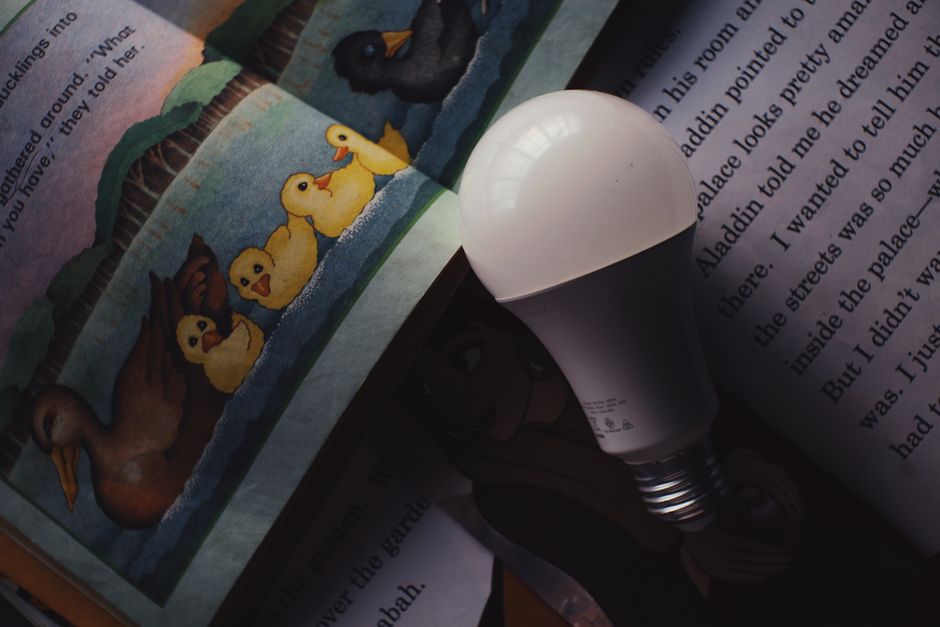
Photo by Nothing Ahead on Pexels
Here's where I won't oversell it: smart switches are a bigger commitment than bulbs. You're working inside an electrical box, not screwing something into a socket. Most models also need a neutral wire present in the box, and a meaningful number of older homes — especially pre-1980s builds in parts of the US — don't have one at every switch location. Some switches now work around that with no-neutral versions, but they tend to be pickier about compatible bulb types and occasionally cause a faint flicker.
If you're even slightly unsure about doing electrical work yourself, this is a legitimate case for calling an electrician rather than improvising. It's a one-time cost, usually modest per switch, and it buys you a fix that never nags you again — a pretty different value proposition than a bulb you might end up "training" your household around indefinitely.
Where bulbs still make sense
I don't think smart switches replace bulbs everywhere, and it would be dishonest to pretend otherwise.
- Rentals: You usually can't touch the wiring, and a bulb screws in and out with zero trace left behind.
- Color and mood lighting: Switches control on/off and dimming, not color temperature or RGB scenes. If you actually want a lamp that shifts from warm white to deep blue, that's still bulb territory.
- Single fixtures with no habitual "wall flip" problem: A lamp on its own switch that nobody else in the house touches doesn't have the failure mode described above. A smart plug controlling that lamp works fine, and it's the same logic I've laid out before about plugs being underrated.
The honest framing is that bulbs are great for accent lighting and switches are great for anything you'd call "the lights" — the fixtures that need to reliably turn on and off no matter who touches them or how.
FAQ
Do I need a smart hub for smart switches, or does Wi-Fi work fine?
Most current smart switches connect straight to your home Wi-Fi, so you don't need a separate hub just to get basic on/off and scheduling working. If you want them to talk to a wider ecosystem — falling under one Matter-compatible setup with your other devices, for instance — a hub or a Thread border router can help, but it's not required to get started.
What happens to a smart switch during a power outage?
It behaves like a regular switch once power returns — it doesn't lose its wiring or forget how to turn the light on manually. What can reset is its Wi-Fi connection and any custom automations tied to a schedule, similar to how a smart plug or bulb needs a moment to reconnect after an outage.
Is it worth doing just one switch to try it out, or should I commit to a whole room?
Start with one. Pick the switch your household actually fights with the most — often a shared space like a hallway, kitchen, or living room — and see how it feels for a couple of weeks before deciding whether to convert the rest of the house.
The boring fix wins again
If there's a theme running through everything I've tested for this blog, it's that the flashy version of a product usually loses to the boring, well-integrated one, and this is maybe the clearest example yet. A color-changing bulb is more fun to unbox. A smart switch is more likely to still be working, uncomplained-about, a year from now. If your smart lighting keeps "breaking" in a way that always traces back to someone touching a wall switch, that's not a bug you can automate around — it's a sign the smart part is in the wrong place. Move it into the switch, and the problem just stops existing.
Keep reading
- Forget the Robot Vacuum — the Smart Plug Is the Smart Home Upgrade That Actually Pays Off
- Motion Sensors Are Outdated. Presence Sensors Are the One Smart Home Upgrade Actually Worth Buying
- Why Your To-Do List App Always Dies Around Week Three (And What Actually Fixes It)
#smarthome #smartswitches #smartbulbs #homeautomation
Comments
Post a Comment